
System Upgrade
Is Your ERP, OMS, WMS or POS Past End of Support?
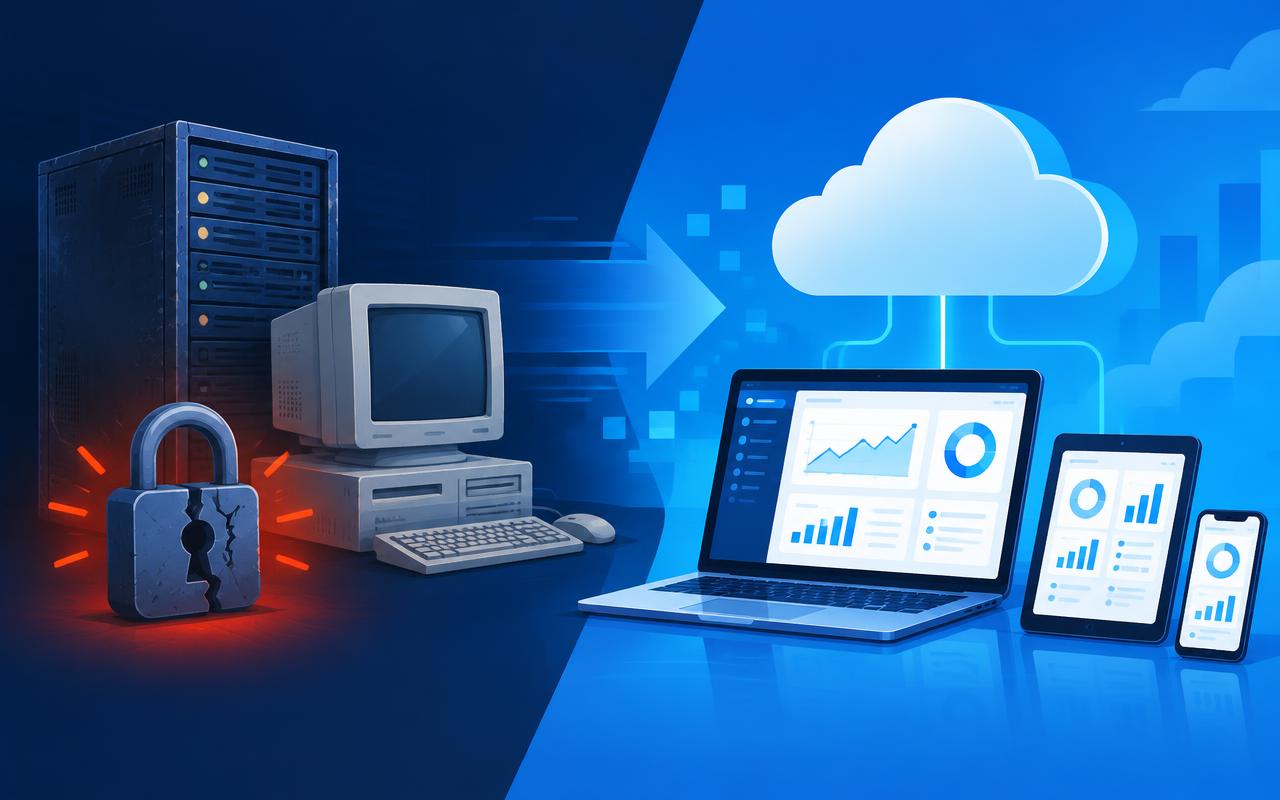
Are the systems your business runs on every day — ERP (Enterprise Resource Planning), OMS (Order Management System), WMS (Warehouse Management System) and POS (Point of Sale) — still up to date? Or have they already reached the end of their product update cycle while you keep using them?
What goes wrong with end-of-support systems
- No latest security patches — known vulnerabilities stay open
- No support for the latest Windows and server versions, so a hardware refresh can break installation
- No web browser or mobile access — frontline staff are tied to a desktop
- The vendor and developers no longer support it, so nobody can fix it when it fails
- Hard to connect with e-commerce platforms, banks, carriers and other modern systems
The risk often far exceeds the upgrade cost
Outdated systems are far more likely to be hacked, have data stolen or be hit by ransomware. If the system suddenly stops, orders cannot be processed, the warehouse cannot ship and stores cannot take payment. The cost of each day of downtime, lost customers and damaged reputation can be far greater than upgrading early or moving to an evergreen solution.
The expensive part is not upgrading — it is starting only on the day your system stops.
Plan the upgrade while your current system still runs
The safest path is a planned upgrade while the existing system still works: keep historical data, migrate in phases and run in parallel with current processes, lowering the risk of an operational stop and the extraordinary losses that come with it.
How to check whether your system is out of support
- Search the vendor's official site for your system name and version and check the product lifecycle page for its end-of-support date
- Check whether you have received any security updates or patches in the last twelve months
- Ask your system vendor directly: when does this version lose support, and what is the upgrade path?
- Test whether the system can be signed into from a web browser, phone and tablet
- Confirm that newly purchased PCs or servers can install and run the current system
Common reasons for delaying — and the risk behind each
- "It still works" — working is not the same as secure or supported; problems surface the day something breaks
- "Upgrading costs too much" — one day of downtime, one data breach or one lost customer often costs several times the upgrade
- "Staff are used to it" — modern cloud systems are web-based and easier to pick up than expected
- "We will do it later" — data grows every year, so the later you upgrade, the more complex and lengthy the migration becomes
Three common ways to upgrade
- In-place upgrade: move to a supported version within the same product line, keeping most settings and data with the least change
- Move to a cloud solution: for example, migrating to Business Central online, where the vendor handles updates and security
- Re-implementation: review your processes afresh while upgrading — the most flexible, but the slowest and most costly
Most SMEs suit the first or second option: start with an assessment, migrate data in phases, run in parallel with the old system, then set a cutover date. Bizspoke's consultants recommend the most suitable path and timetable based on your current system and data volume.
What does "evergreen" mean?
An evergreen solution is software the vendor updates continuously: new features, fixes and security patches arrive automatically, so there is no longer a big upgrade project to plan. Business Central is a typical example — two major releases a year plus continuous updates and security patches, and the system simply never goes out of date.
Microsoft Dynamics 365 Business Central with Bizspoke
Microsoft Dynamics 365 Business Central is an evergreen cloud ERP: two major releases every year plus continuous updates and security patches throughout the year, so it never goes out of date. It runs on web, mobile and tablet, and connects with Bizspoke WMS, POS, e-commerce and AI solutions. Bizspoke brings a larger team to help monitor your system, manage updates and support daily operations — minimising every risk above.
If your system is already or soon to be out of support, contact us for a free system assessment and upgrade plan.
Book AI Assessment
Contact Us