

One Click, One Shipment, Endless Efficiency.
Group Shipment for Business CentralSimplify Complex Shipment Processes for Drop Shipment Orders
A tailor-made module for Business Central that enables you to consolidate multiple drop shipment orders into a single, streamlined shipment. Perfect for trading businesses managing factory pickups or export port deliveries with full linkage visibility.
What Group Shipment Adds to Business Central
Combine Multiple Orders
Issue packing lists, invoices, and shipment documents for multiple sales orders in one go.
Direct Purchase Order Creation
Generate POs instantly with advanced Business Central Dimension management.
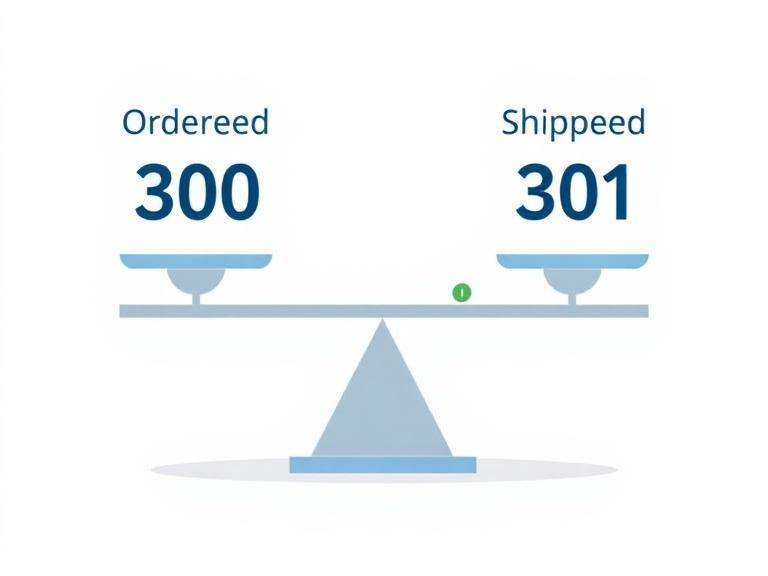
Shipment Tolerance Support
Handle quantity variations without manual adjustments.
Centralized Management
Streamline purchase and sales shipments and invoicing in one place.
Comprehensive Shipment Details
Manage ship marks, container sizes, dimensions, vessel info, and more.
Effortless Document Synchronization
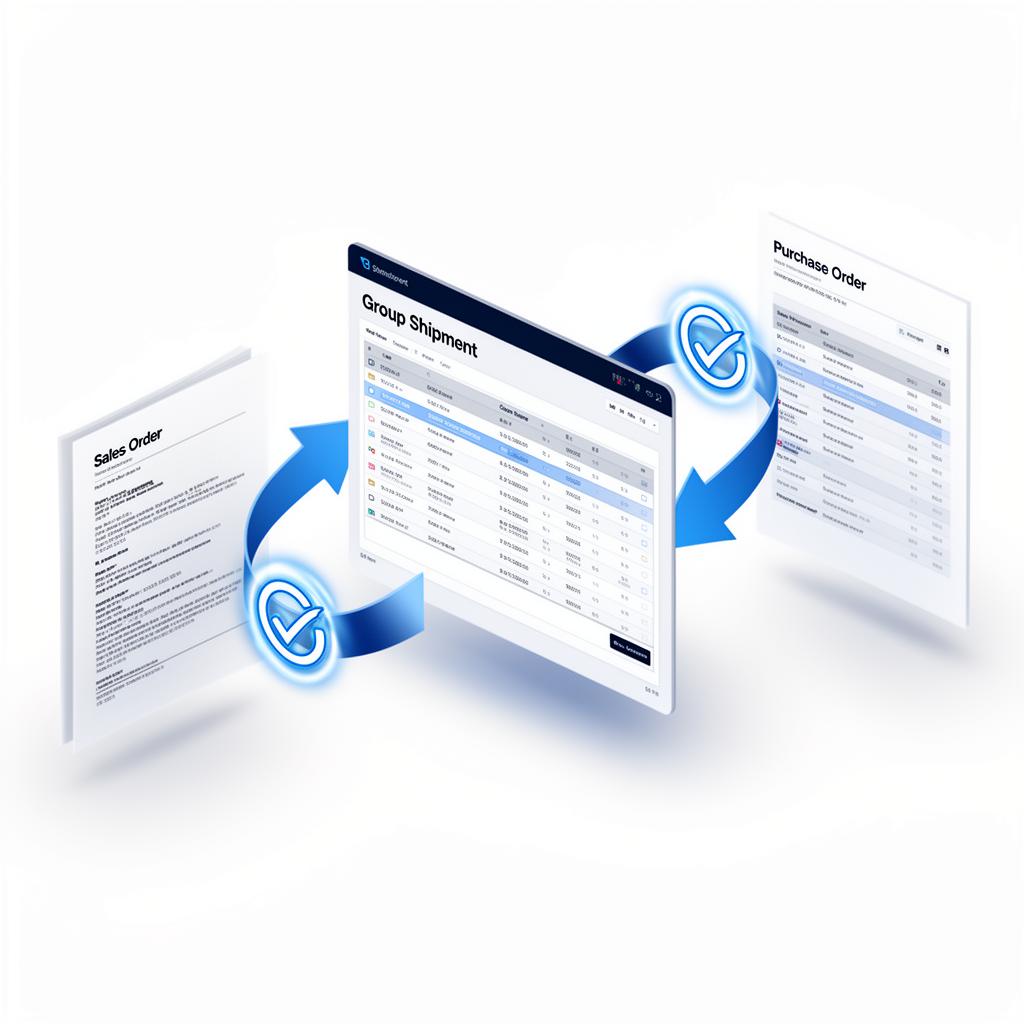
Edit once in the Group Shipment screen and changes flow straight back to the linked Sales Orders and Purchase Orders — quantities, new lines, vendor splits and comments stay in sync without re-keying.
How It Works Inside Business Central
Select Orders
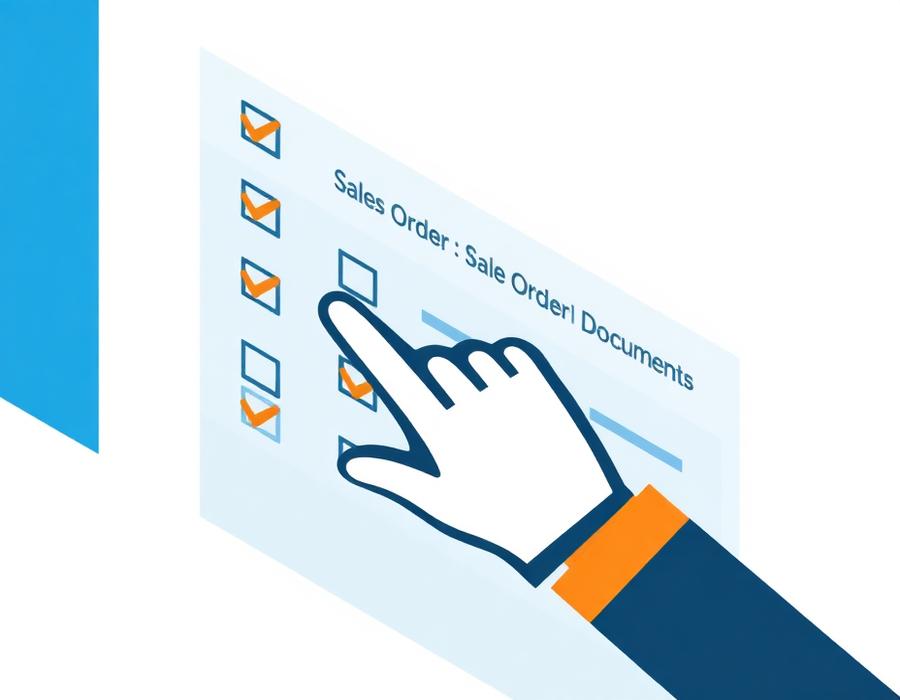
Select multiple sales orders for the same customer.
Group Into Batch
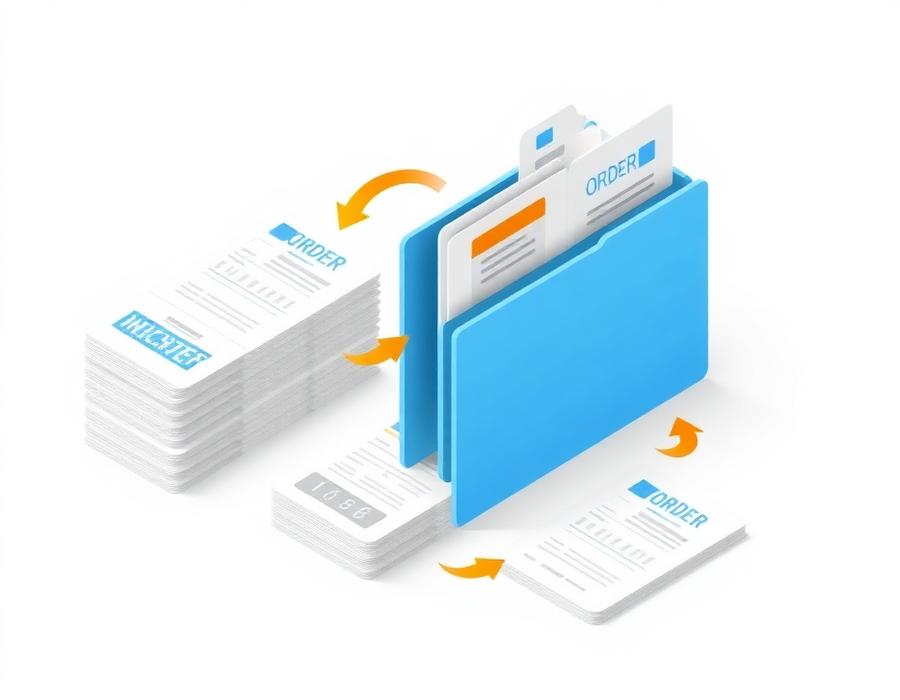
Group them into one shipment batch.

Auto-Generate Documents
Automatically generate packing list, invoice, and purchase order.
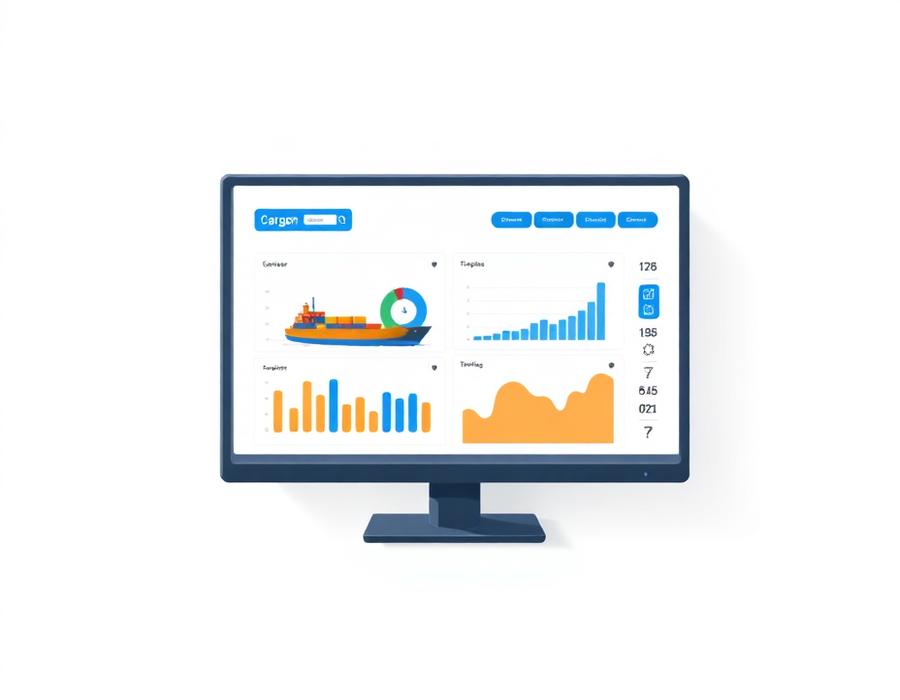
Track Everything
Track shipment details (container size, vessel info) in one dashboard.
See It in Action
Real screens from the Group Shipment Module running on Microsoft Dynamics 365 Business Central.
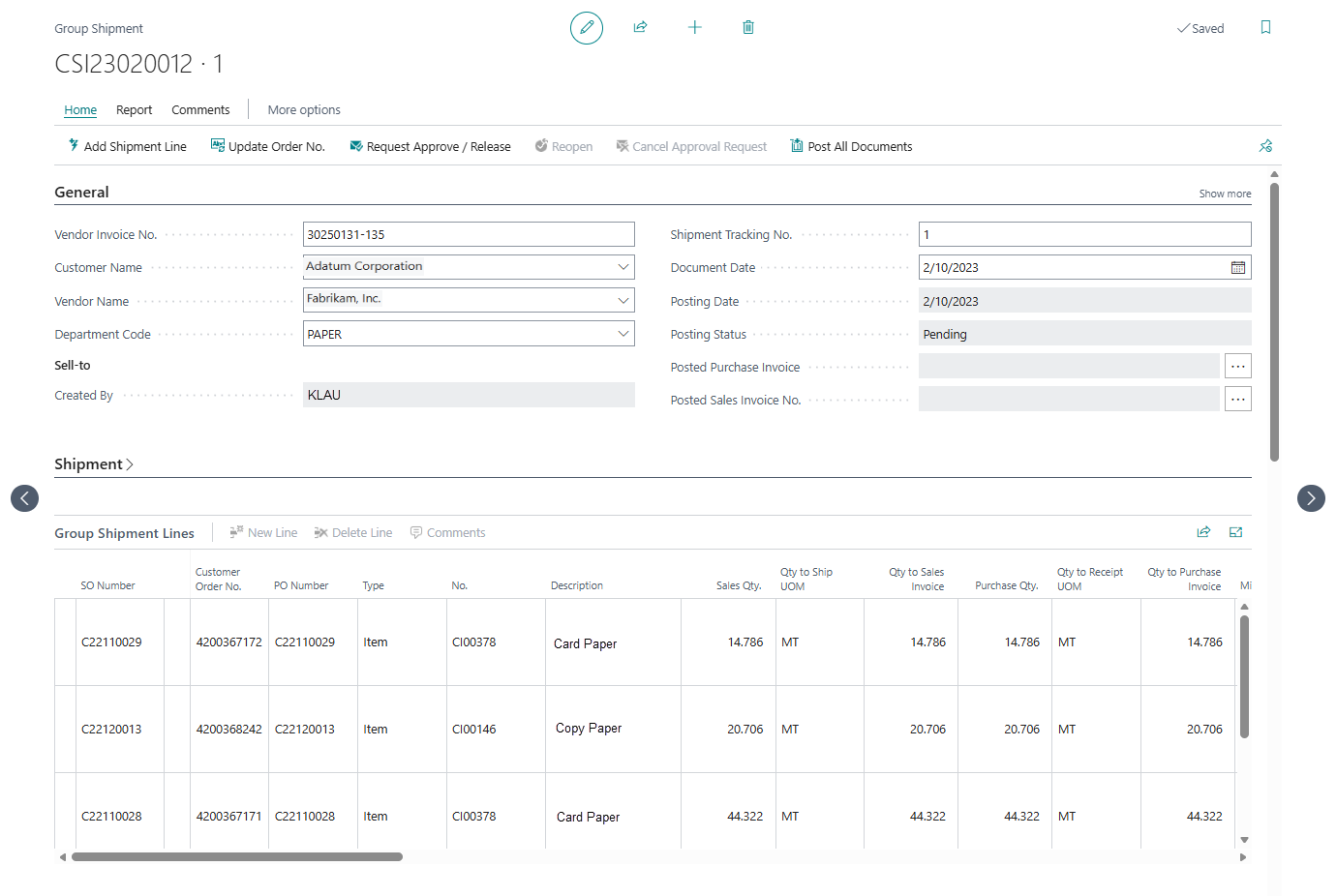
Group Multiple Orders Into One Shipment
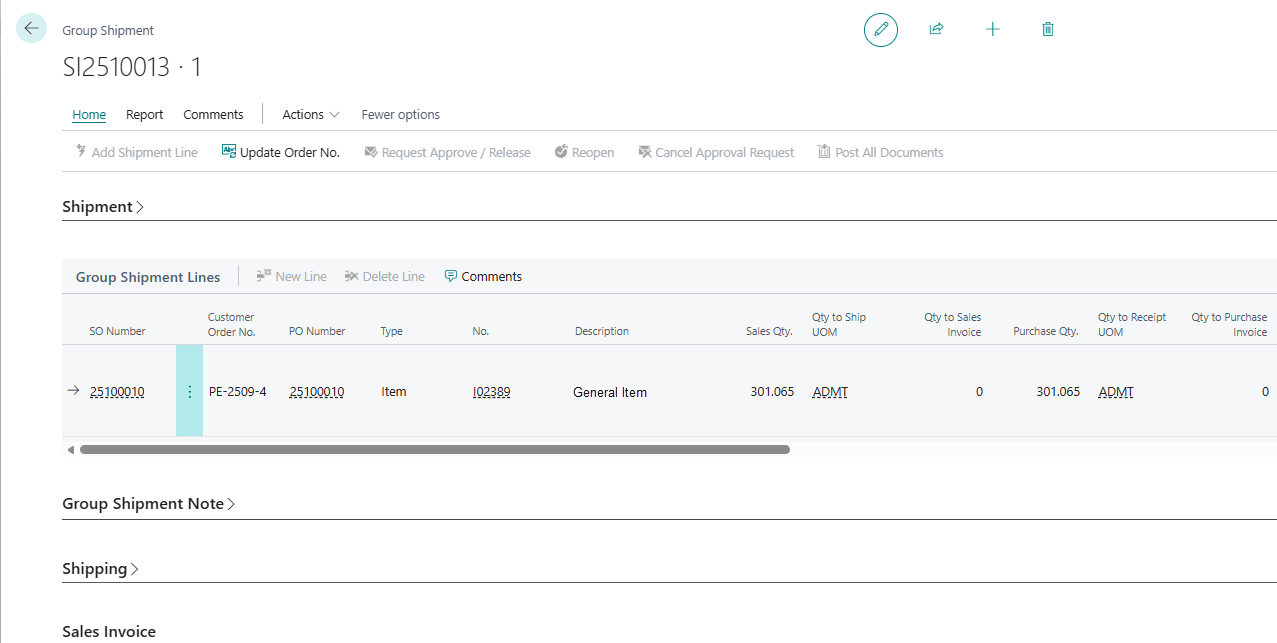
Consolidate multiple sales orders for the same customer into a single Group Shipment document. Customer Order No., PO Number, SO Number, item details and UOM are all visible at a glance — no more juggling separate sales orders for one container.
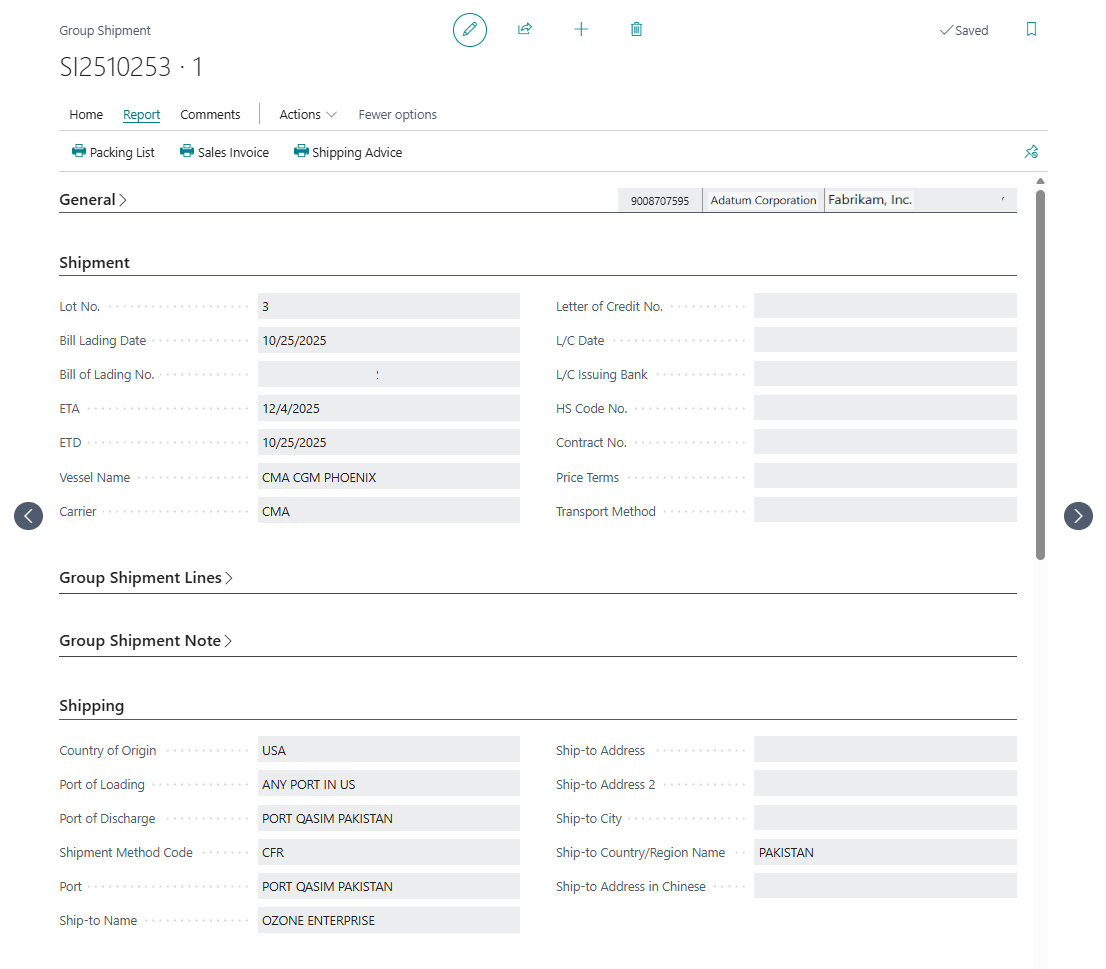
Complete Shipment & Export Information
Capture every detail your forwarder, customer and bank need: Bill of Lading, ETA / ETD, vessel name and carrier, L/C information, HS Code, country of origin, port of loading / discharge and full ship-to address — including Chinese address for HK exporters.
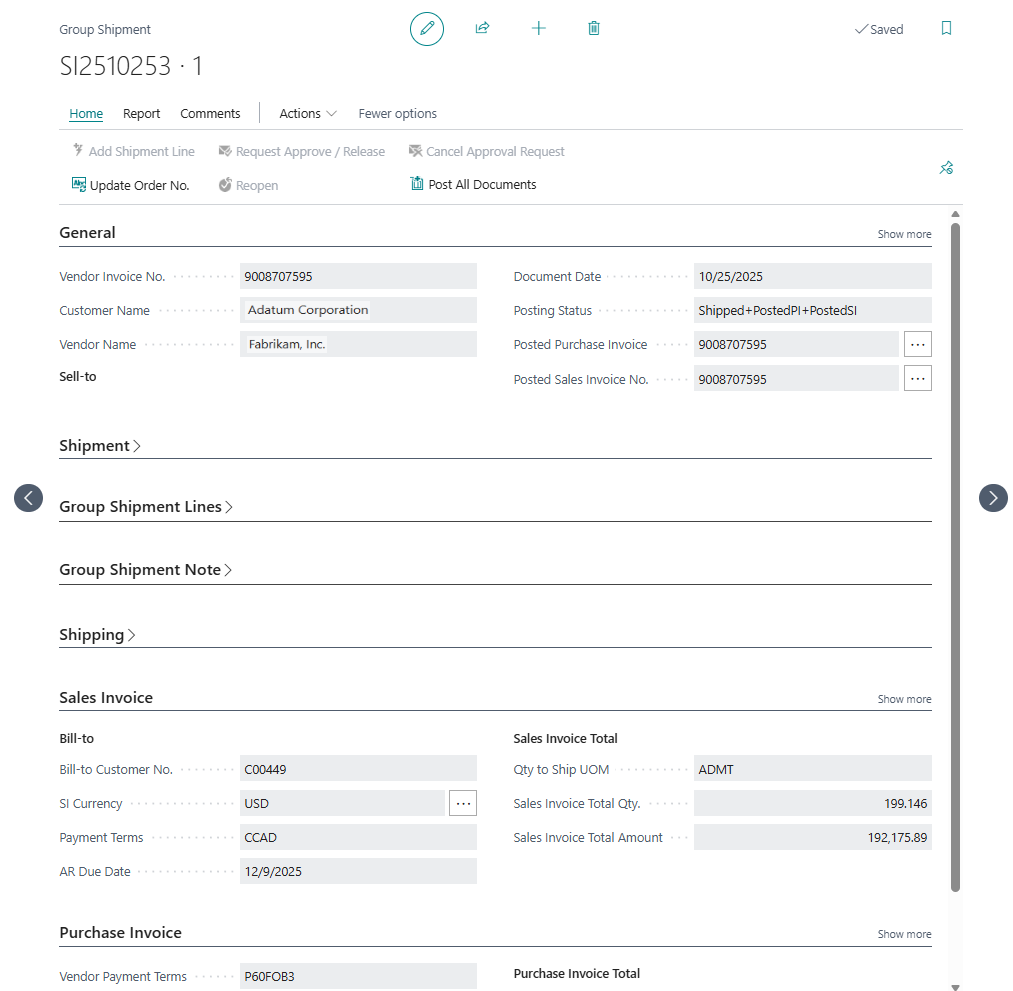
One Click — Post Sales Invoice, Sales Shipment & Purchase Invoice
“Post All Documents” automatically generates and posts the Sales Invoice, Sales Shipment and Purchase Invoice together. Posting Status updates to Shipped + PostedPI + PostedSI, and the posted document numbers are linked back on the Group Shipment.
Shipment Quantity Buffer — Handle Real-World Variations
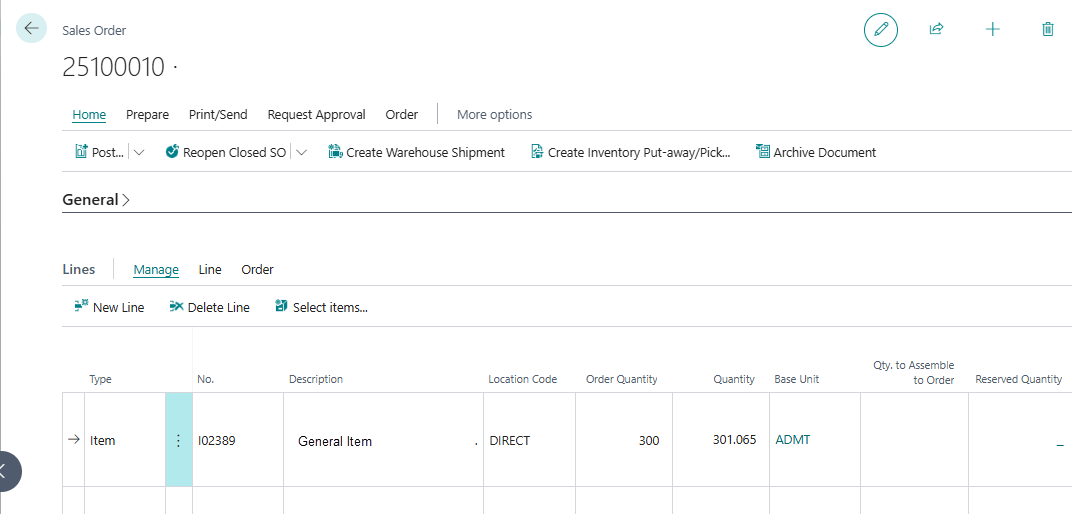
Factories rarely ship the exact ordered quantity. The Sales Order keeps the original Order Quantity (300 ADMT), while the actual shipped Quantity (301.065 ADMT) flows through to the Group Shipment line as Sales Qty and Purchase Qty automatically — no manual reposting, no order amendment needed.
Built for Trading Companies on Business Central
Hover or tap a benefit to see the features that power it.
Advanced Features Built Into Your Business Central
- Advanced Business Central Dimension handling
- Multi-currency support
- Shipmark management
- Container size / dimensions
- Vessel information

Ready to extend your Business Central with Group Shipment?
Get in touch and let's plan your next step together.
Or chat with us now!
WhatsApp